Overview
The Export list or library data to PDF action allows a library or list metadata information to be exported PDF by returning a JSON object of the generated PDF document. Only 4 columns with first grouping if any, are supported for now.
Input Parameters
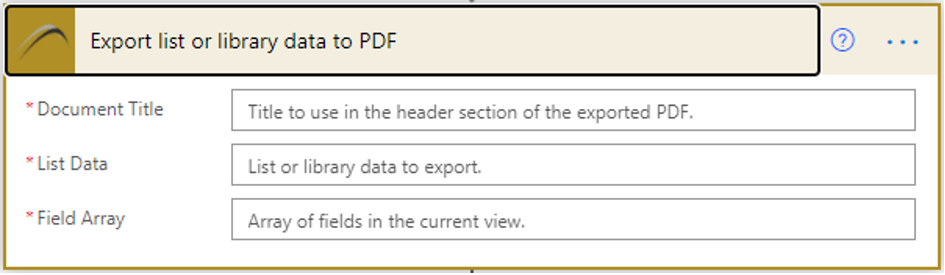
The Export list or library data to PDF has two input parameters
- Document Title – Title of the document that will be in the header section of the generated PDF.
- List Data – List or library metadata information.
- Field Array – Array of fields in the list or library view being exported.
Output Parameters
- File Content –The generated PDF document.
- Body – The generated PDF document
Example Flow
For details instructions on how to use the Xbridger Export list or library data to PDF, please refer to the following blog post